
GoClubsOnline
|
Login nowLearn more... |
 |
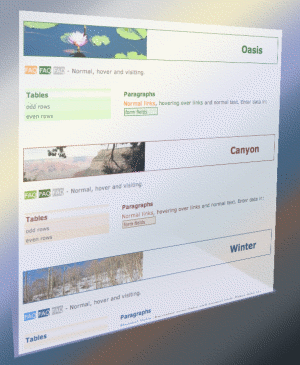
Club Profile and PreferencesClub Administrators can maintain their club's profile and update such things as the club's contact information, address, meeting locations and the choice of theme (color scheme). The theme is applied whenever the club's pages, the club's event pages, the club's tournament pages or the club's member pages are displayed.Preferences
When a Club Administrator has access to multiple clubs, Clubs shows a list. By locking on to one club, the CA bypasses the club selection page. If a user is a club administrator for just one club, the club selection page is bypassed automatically. 'Edit club profile' allows the CA to update many parameters of the club's profile including a currency symbol for book-keeping purposes. 'Choose paper size, a membership card design and a layout' offers options for A4 or Letter size and some 30 different background designs and differing layouts. Some examples of the membership card backgrounds are shown below. 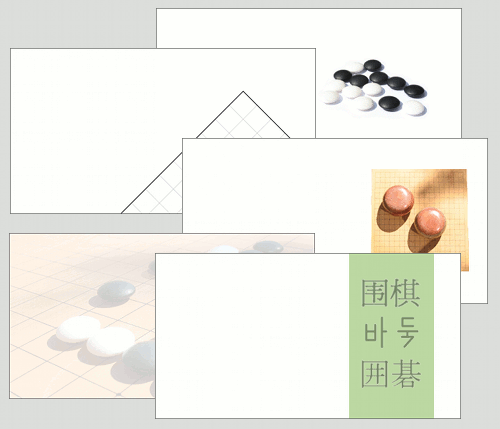
'Choose a theme for club pages' offers 18 different themes (colors and banner image) for club pages inside GoClubsOnline. |
|
ver: 3.1 © 2024 Copyright Robert Cordingley